Keep delivery connected to the job
Create galleries alongside the work they belong to. Your client can move between their photographs, booking and invoice without searching through separate emails for every link.
Give each shoot a clear destination. Upload your photographs, check the gallery and publish it into a client experience that puts the work first.
Get started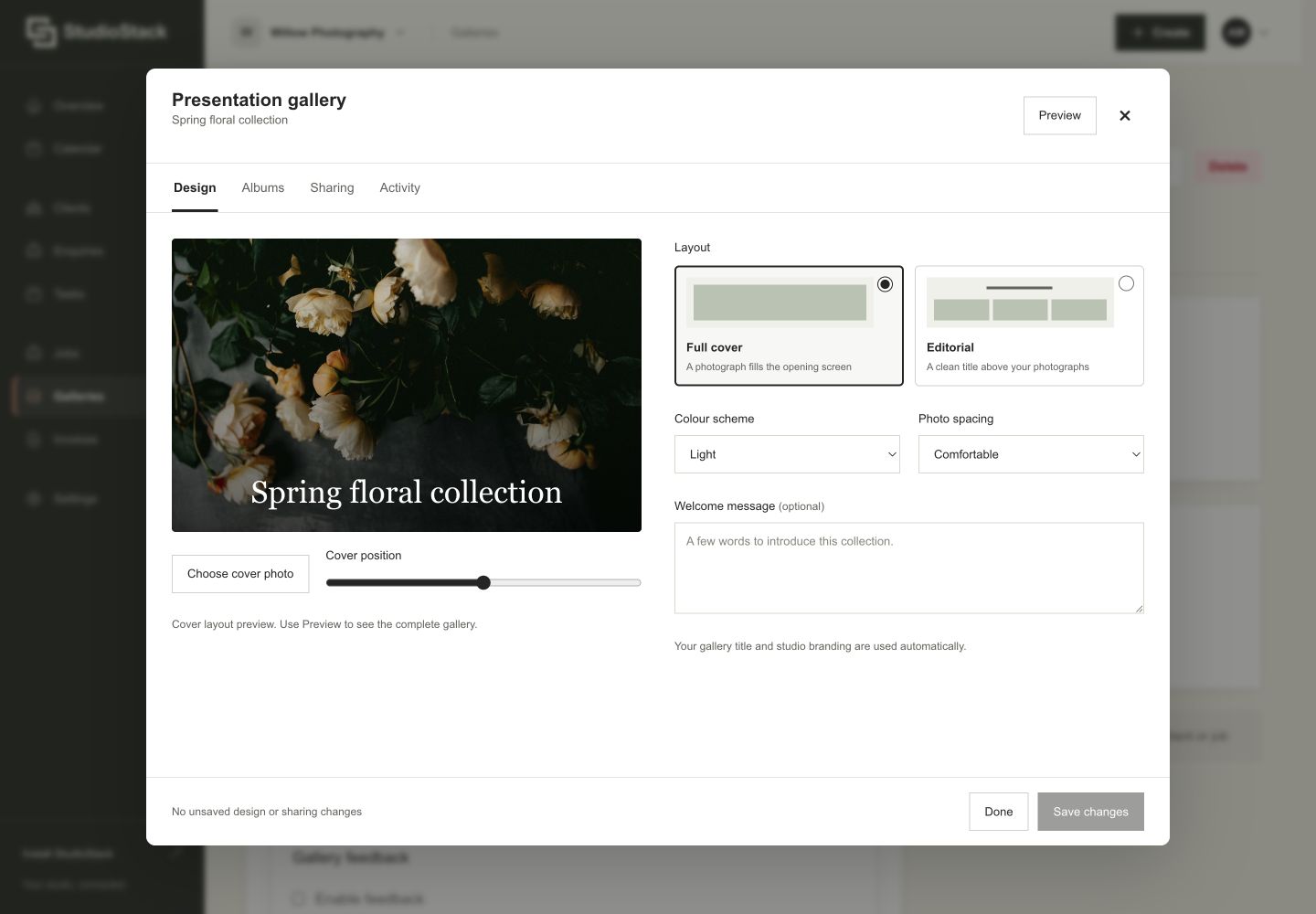
Create galleries alongside the work they belong to. Your client can move between their photographs, booking and invoice without searching through separate emails for every link.
A draft gallery and a published gallery mean different things. The delivery workflow makes publishing an explicit step, with a clear status so you can check what your client can actually see.
Clients can browse and download their delivered photographs from a mobile-friendly portal. Your studio branding carries through the experience, keeping the handover consistent with your business.
No. Publishing is a separate step, so you can check a gallery before sharing it.
Yes. Galleries can sit alongside the relevant job, giving you and your client context for each delivery.

Keep every enquiry, agreement, shoot and payment with the client it belongs to. Try it free for 30 days, no card required. Then £22.49 per month.
Start your free trialSee pricing