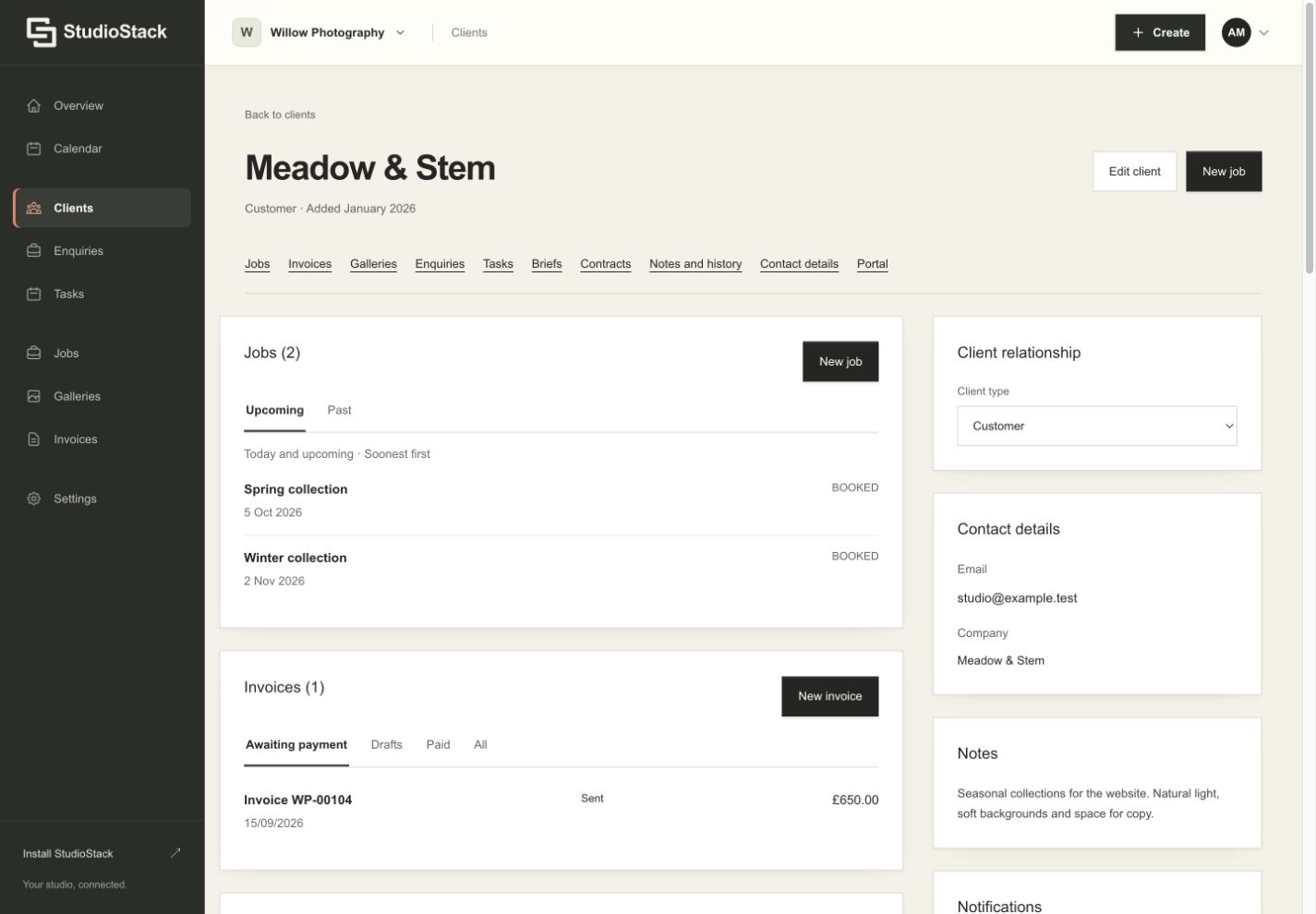
A client relationship in StudioStack. Fictional demo account. Enlarge screenshot
A cadence for every client
Choose weekly, fortnightly or monthly billing, including the issue time and timezone. Decide whether a run prepares a draft or issues the invoice. Hold individual jobs back from the next batch, or issue a batch early when a client needs it.
Payment stays in the client portal
Connect your Stripe account to accept card payments, eligible Apple Pay and Google Pay payments, and bank transfers with automatic reconciliation where supported by your Stripe account. Clients can optionally authorise a saved card for future invoice payments.
Know what is still outstanding
Stripe payments update the invoice balance, including partial payments where supported. Record cash or a manual bank transfer when you receive it. Set automatic reminders, and give clients an invoice and payment acknowledgement for their records.
Good to know.
Can I still create an invoice manually?+
Yes. Create individual invoices or scheduled batches. You can also invoice without Stripe using your own bank details and record those payments manually.
Are manual bank transfers reconciled automatically?+
No. Bank transfers through the Stripe payment option reconcile automatically. Transfers made directly to your own bank details and cash payments must be recorded manually.