Skip to content

Book the next shoot. And the one after that.

Regular clients deserve a workflow that remembers them. Set up the schedule once, then let StudioStack keep the next jobs ready for you.

Get started
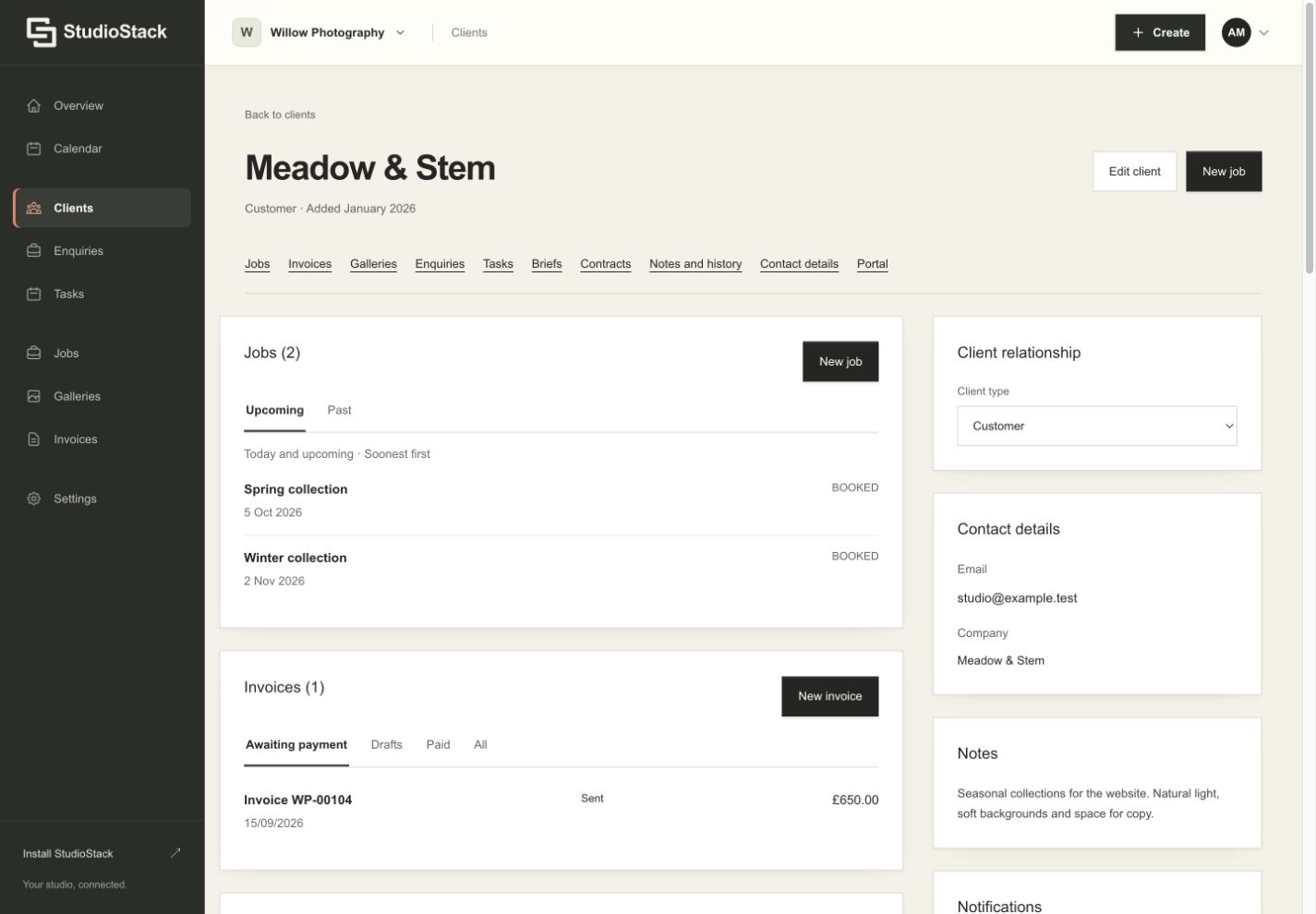
StudioStack client workspace showing two enquiries, their next actions and client notes.
A client relationship in StudioStack. Fictional demo account. Enlarge screenshot

A schedule that keeps going

Create weekly, fortnightly or monthly work, with an end date, a set number of occurrences or no end date. Choose how far ahead jobs appear in your calendar. StudioStack creates that rolling window rather than filling your account with years of bookings.

Change what you need to change

A venue changes its opening hours. A regular shoot moves to another day. Update a single job or apply a change to future jobs, with a preview before you confirm. Existing completed work stays part of your client’s history.

End a series cleanly

Pause future generation or end the series. You can review upcoming work, cancel future bookings and remove eligible cancelled jobs without deleting the record of work already delivered.

Good to know.

Can a shoot finish after midnight?

Yes. An end time earlier than the start time is treated as the following day, so a Friday 23:30–00:30 booking finishes on Saturday.

Do I need to recreate each recurring job?

No. StudioStack creates future jobs automatically up to the lead time you choose, while keeping past work in the client’s history.

Make room for
your next shoot.

Keep every enquiry, agreement, shoot and payment with the client it belongs to. Try it free for 30 days, no card required. Then £22.49 per month.

Start your free trialSee pricing